
Review basis: Published product information and original editorial analysis. We have not hands-on tested this product. Manufacturer battery figures are not our measurements. Model details were checked on October 5, 2026.
THE DAMAO TAKE
Our verdict
A sensible everyday Mac when the configuration, condition and price are right. The single external-display limit deserves more attention than the chip name.
At a glance
- Model
- 13-inch MacBook Air (M2, 2022)
- Display
- 13.6-inch, 2560 × 1664
- Weight
- 1.24 kg
- Ports
- 2 × Thunderbolt / USB 4, MagSafe 3, headphone jack
A laptop judged by the work it needs to do
A laptop earns its place by making ordinary work easy to carry. The 13-inch MacBook Air M2 is most interesting as a practical purchase for writing, web research, spreadsheets and occasional creative work. This is a review of the 2022 model, not a claim that it is Apple's newest laptop. An older machine can be a good choice, but only when its savings survive a comparison with a newer alternative in the same condition.
The key question is how your day actually looks. If most work happens in a browser, a document editor and a video call, portability may matter more than additional processing headroom. If long exports, demanding games or several external monitors define your day, the shopping brief changes. We would decide that first, before comparing finish colors or storage promotions.
What the specification tells us
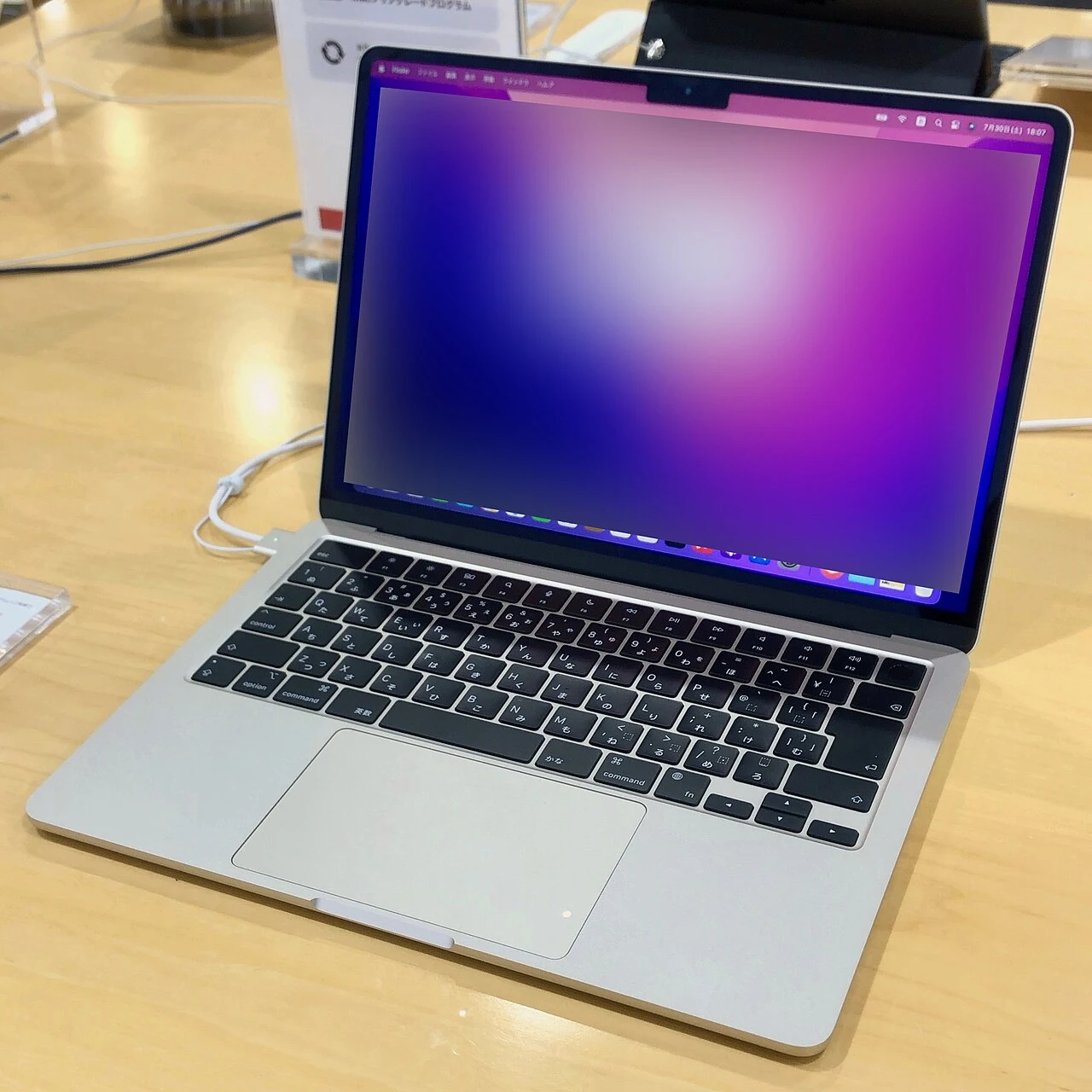
Apple lists a 13.6-inch display, a weight of 1.24 kg and two Thunderbolt / USB 4 ports, alongside MagSafe charging and a headphone jack. The separate charging connector matters because charging need not occupy one of the two data ports. Native support is limited to one external display, up to 6K at 60 Hz. These are manufacturer specifications, not DAMAO measurements.
For a desk with a monitor, wired keyboard, external storage and a webcam, write down the connection plan before buying. An inexpensive-looking laptop can become a less attractive package once a dock and adapters enter the basket. Equally, a simpler desk may need no additional accessories. The useful calculation is the total working setup, not just the price of the computer.
A closer look
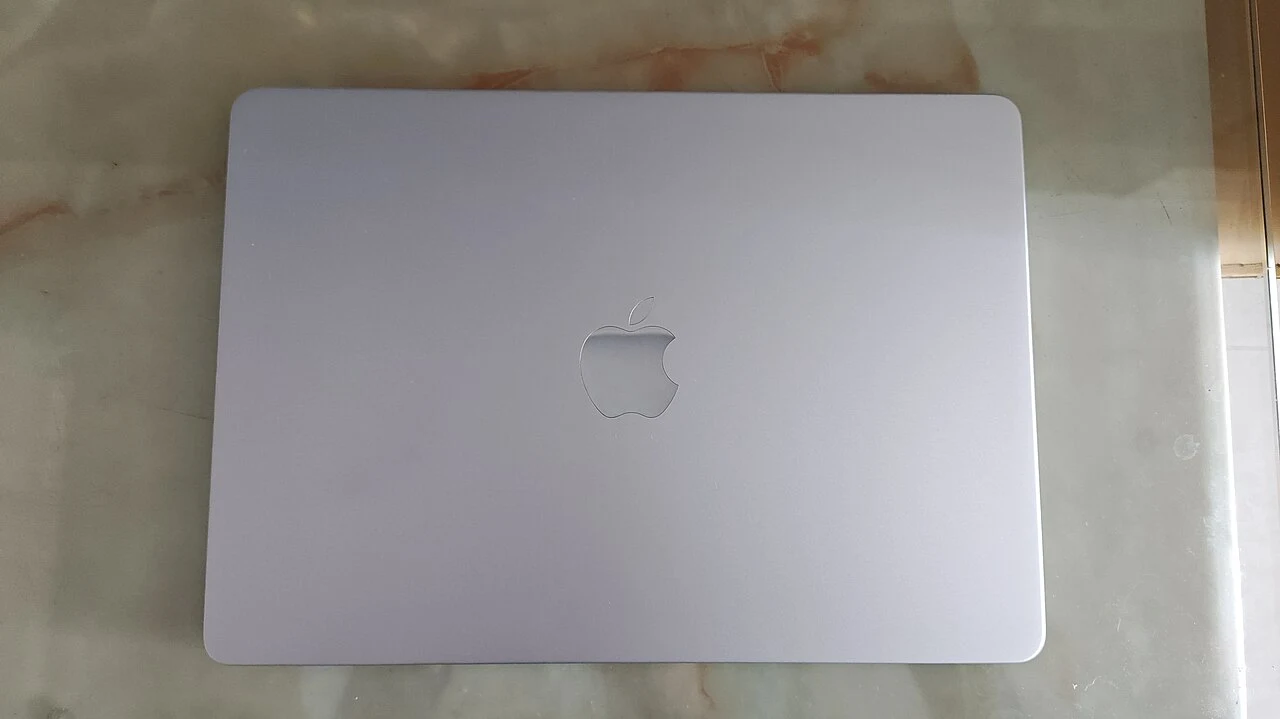
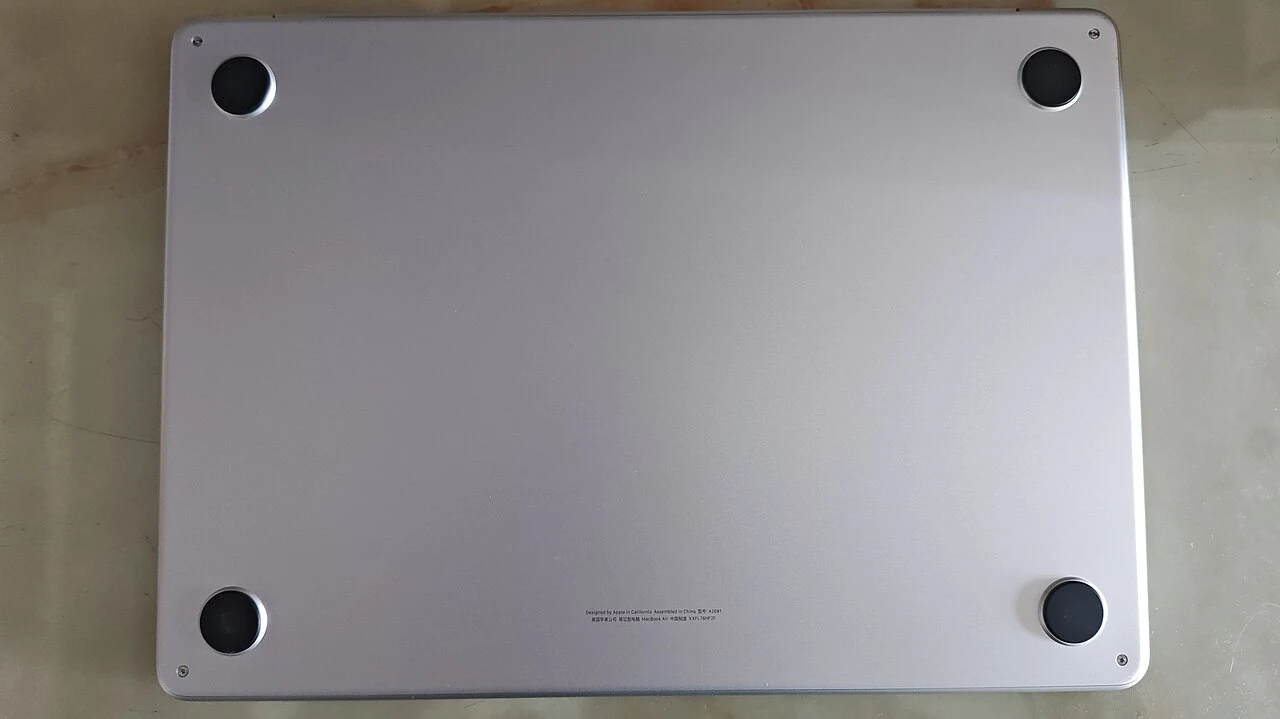
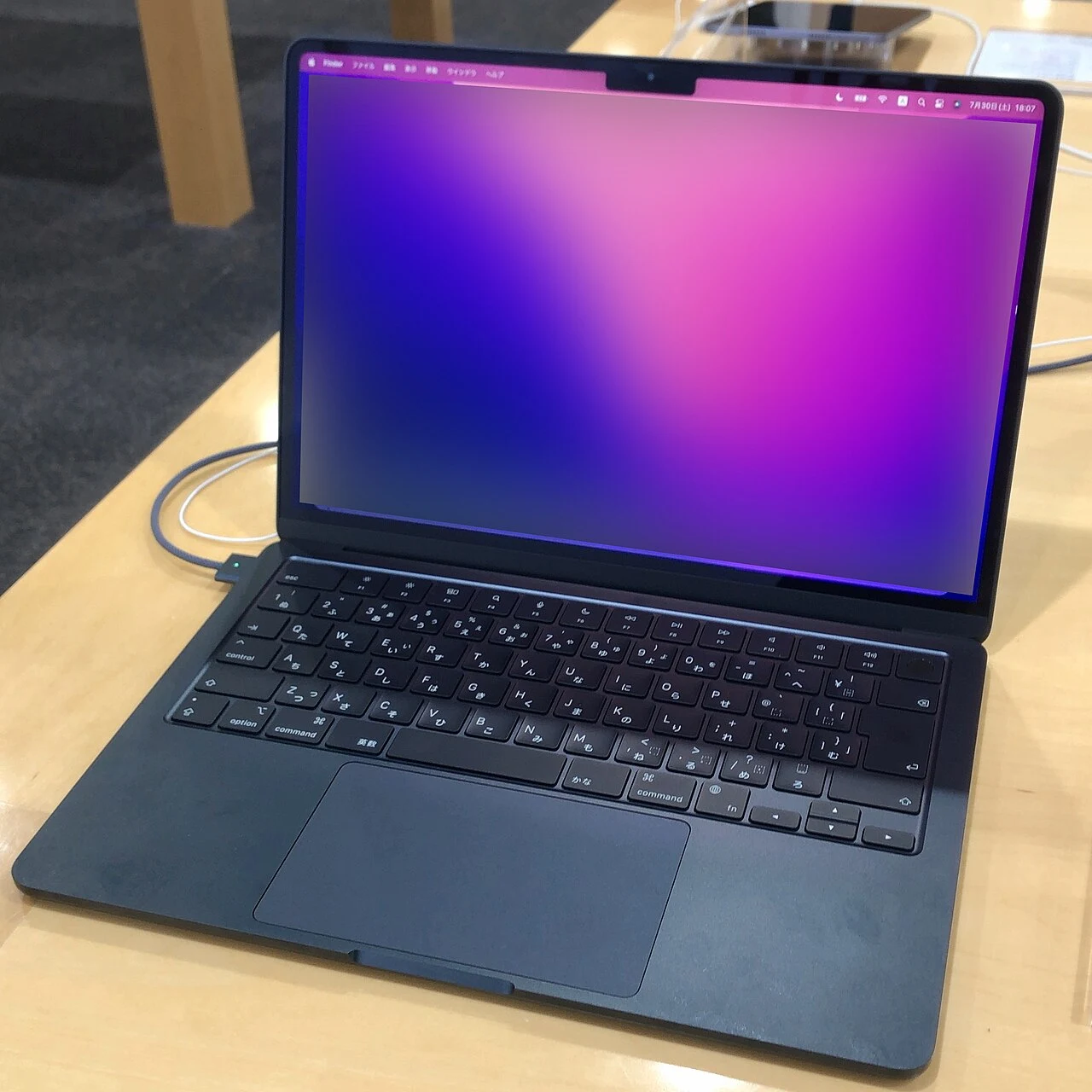
Select a photograph to open the full image. Different finishes or accessories may be pictured; captions identify the views.
Choose the configuration before the discount
We would favor enough memory for the applications you expect to keep open together, then choose storage around the files you genuinely need locally. Do not assume two listings with the same M2 name are equivalent: memory, storage, charger, keyboard layout and condition can differ. Those details can be more consequential than a small discount.
For a used unit, inspect the screen at a comfortable working brightness, try every key and port, check battery condition and verify that the seller can remove account locks before payment. Ask what the return period covers. A short demonstration cannot establish long-term reliability, but it can reveal a purchase that is wrong for you before it becomes your problem.
Our buying judgment
For someone who values a small computer and already prefers macOS, the M2 Air remains worth comparing. We would pass if the price sits too close to a better-equipped newer machine, or if the job requires multiple native external displays. We have not run performance or battery tests on a review unit, so this assessment does not assign benchmark scores or promise a specific working-day runtime.
If your existing computer already handles your daily applications comfortably, keeping it may be the better value. The case for this Air is strongest when it solves a concrete portability, compatibility or replacement need, rather than simply being available on sale.
Pros and cons
What works
- Compact 1.24 kg body
- Dedicated MagSafe charging leaves data ports available
- Clear fit for a simple macOS work setup
What to weigh up
- One native external display
- Only two Thunderbolt / USB 4 ports
- Used condition and configuration can change its value substantially
Who should buy it?
Consider it if you want a portable macOS computer for everyday work and can find the right configuration at a meaningful saving. Look elsewhere if multiple external displays or heavy sustained workloads are central to your work.
The conclusion
A sensible everyday Mac when the configuration, condition and price are right. The single external-display limit deserves more attention than the chip name.
Check the exact model, total cost, condition and return terms before committing. A product is good value only when it is right for your needs.
Sources & editorial notes
Manufacturer facts and editorial judgments are separated throughout. Sources checked October 5, 2026; availability and features can change.
No paid placements or affiliate tracking links appear in this article. Read our Affiliate Disclosure. Found an error? Send a correction.
Photography & reuse
Real product photographs supplied under the licenses below. Images have been resized proportionally and converted to WebP, without cropping. The original licenses continue to apply to these versions.
- MacBook Air (A2681) front.jpg — メイド理世. CC BY-SA 4.0.
- MacBook Air (A2681) rear.jpg — メイド理世. CC BY-SA 4.0.
- M2 Macbook Air Midnight model - 1.jpg — KKPCW(Kyu3). CC BY-SA 4.0.
- M2 Macbook Air Starlight model.jpg — KKPCW(Kyu3). CC BY-SA 4.0.
_front.jpg)
_rear.jpg)

