Review basis: Published product information and original editorial analysis. We have not hands-on tested this product. Manufacturer battery figures are not our measurements. Model details were checked on October 5, 2026.
THE DAMAO TAKE
Our verdict
An appealing project platform when learning and hardware flexibility are part of the goal. Compare the complete kit price with a ready-to-use computer before treating it as a budget desktop.
At a glance
- Processor
- 2.4 GHz quad-core Arm Cortex-A76
- Network
- Gigabit Ethernet, dual-band Wi-Fi
- Expansion
- 40-pin header; PCIe 2.0 ×1 via adapter
- Displays
- Two 4K displays at 60 Hz (specified)
A small computer, a larger shopping list
Raspberry Pi 5 is not just a smaller version of a ready-made desktop. It is a platform around which you assemble a computer or a project. That distinction is its appeal for a curious builder and its main complication for someone who simply wants to open a browser. Deciding which of those descriptions fits you is more useful than debating a board-only price.
A project has a purpose beyond owning the hardware. You might want to learn Linux, connect electronics or build a dedicated display. Write that purpose down and list the software involved. A modest project completed successfully can be more valuable than a powerful board bought without a plan.
What you get on the board
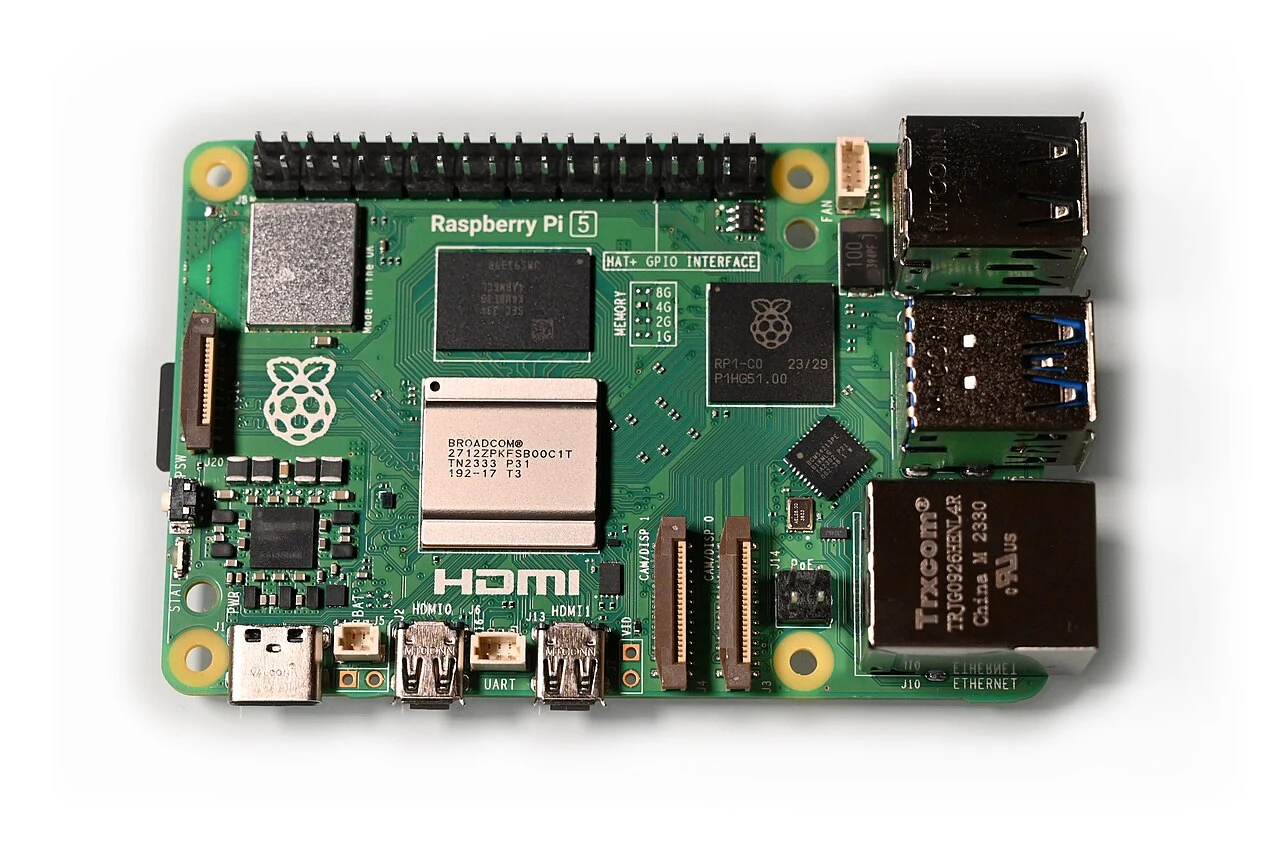
The official specification includes a 2.4 GHz quad-core Arm Cortex-A76 processor, Gigabit Ethernet, dual-band Wi-Fi, a 40-pin header and dual 4K-at-60-Hz display output. A PCIe 2.0 single-lane interface supports expansion through a separate adapter. Raspberry Pi recommends a suitable 5 V / 5 A USB-C supply and says active cooling helps it perform at its best.
These connections make the board interesting when physical expansion is part of the brief. For a conventional desktop, however, they are not a substitute for checking application compatibility. Make sure the exact tools you need work on the operating system and architecture you plan to use. Do that before ordering accessories.
A closer look
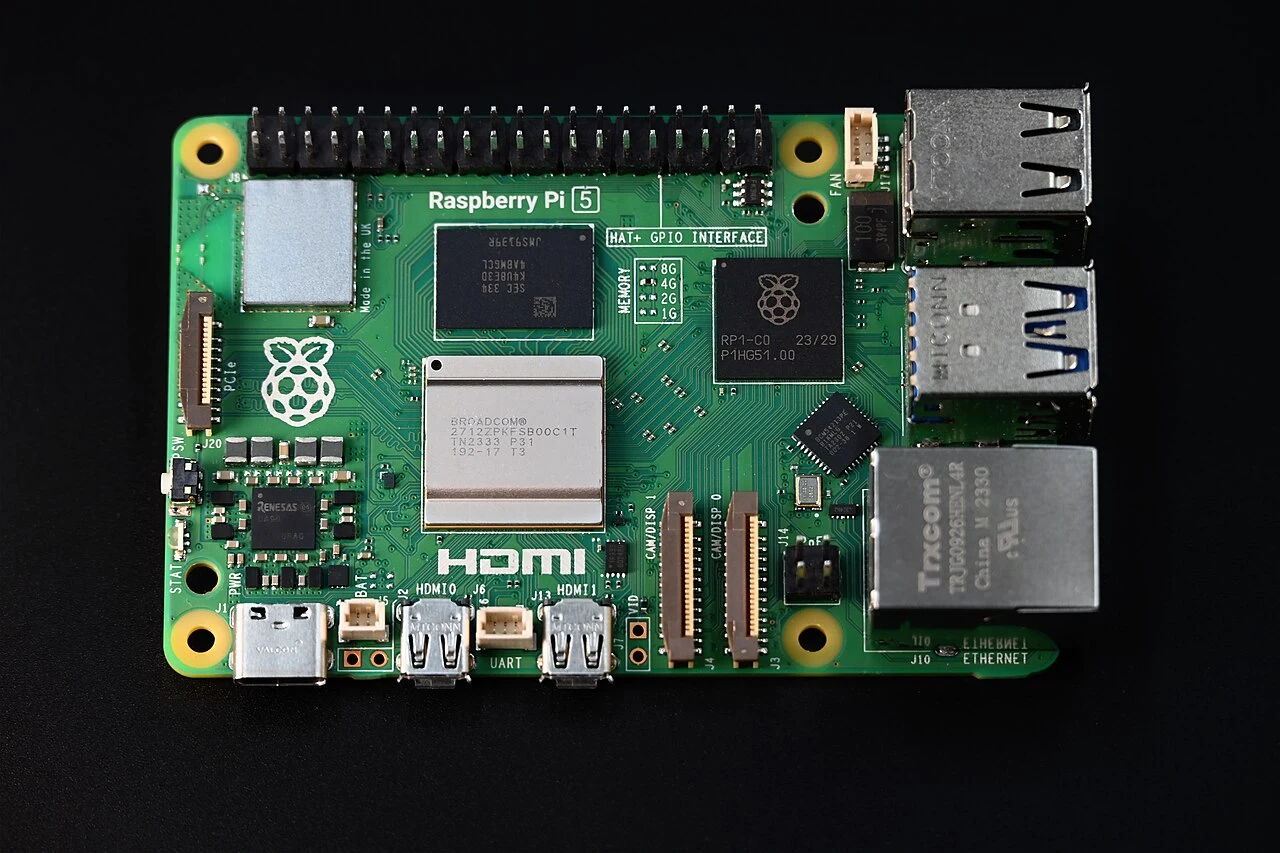
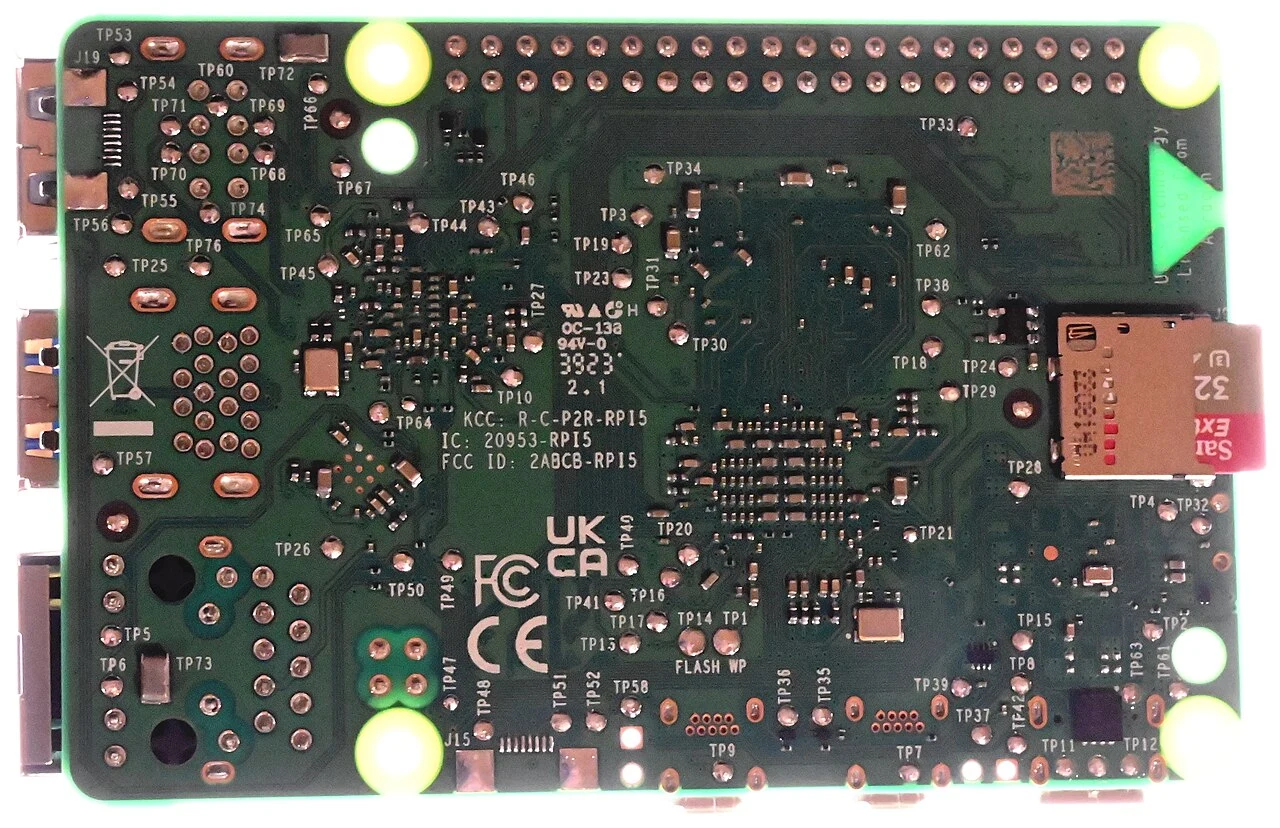
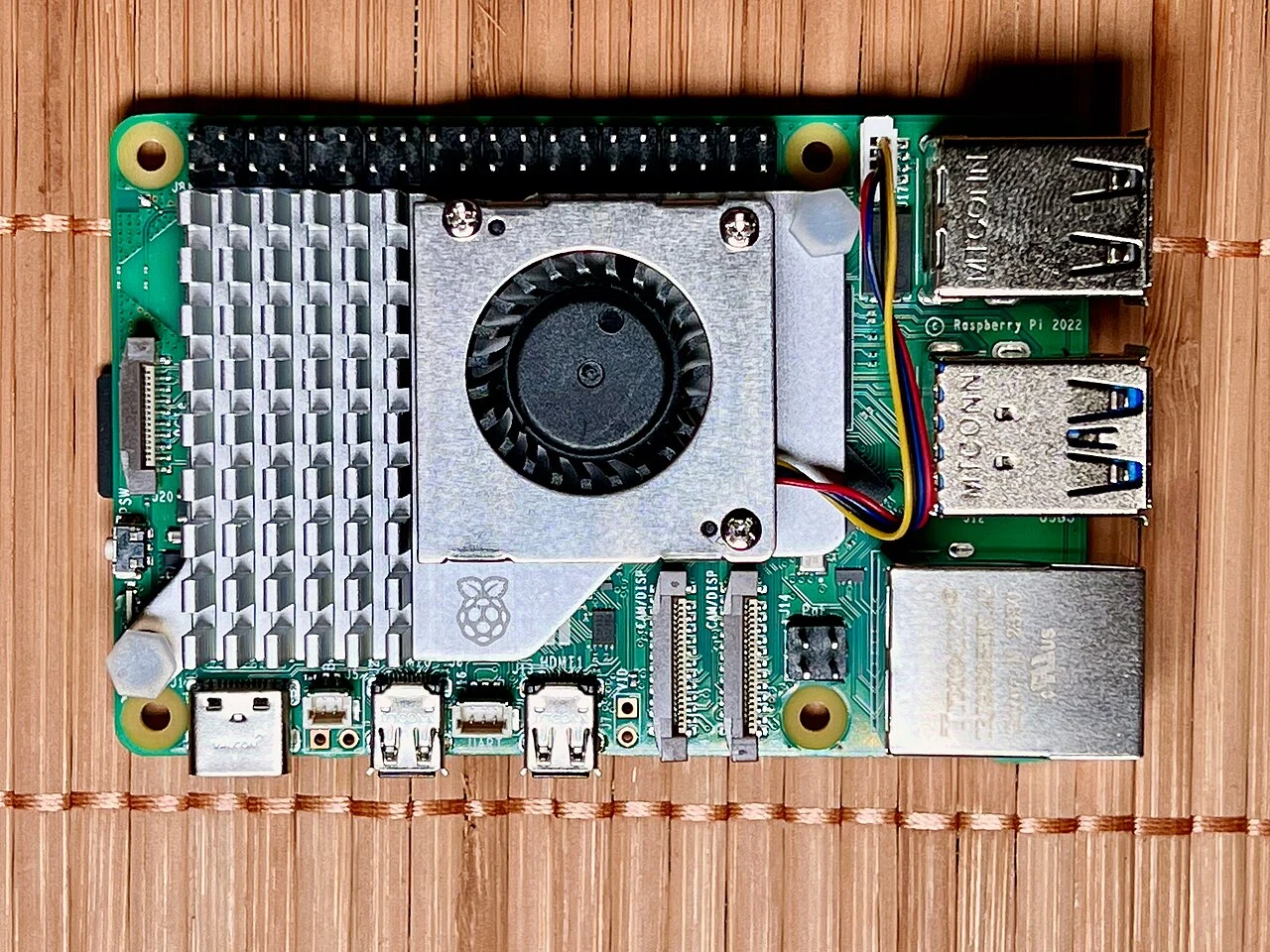
Select a photograph to open the full image. Different finishes or accessories may be pictured; captions identify the views.
Price the complete setup
Include a power supply, storage, cooling, enclosure and any display cables in the budget. Add a keyboard and mouse if you do not already have suitable ones. Some kits include several of these items; others use similar product names while leaving them out. Compare the actual contents instead of assuming a bundle is automatically better value.
Storage deserves particular attention because it holds both your software and your work. Keep a recoverable copy of important files and document configuration changes as you go. The ability to rebuild a project without starting from memory is useful whether you are a beginner or an experienced hobbyist. It also makes troubleshooting less frustrating.
Who benefits from the extra work
A Pi rewards a buyer who sees configuration as part of the experience. If you enjoy learning why something works, the need to choose components and configure software can be a benefit. If you need an appliance that a family member can use immediately, it may be a cost. Neither preference is wrong; they simply lead to different products.
We have not run thermal, storage or application benchmarks on this board. Our judgment is that its expansion options justify a closer look for purposeful projects, while a ready-to-use small computer deserves comparison for ordinary office work. Choose the platform that leaves you with a maintainable result, not just the most interesting parts list.
Pros and cons
What works
- Flexible expansion for practical projects
- Wired and wireless networking
- Official documentation and a clear hardware specification
What to weigh up
- Board price excludes important accessories
- Software compatibility needs checking
- Cooling and configuration add work
Who should buy it?
A strong candidate for hobbyists, learners and people building a specific hardware project. Compare a complete small desktop if your main need is straightforward office work with minimal setup.
The conclusion
An appealing project platform when learning and hardware flexibility are part of the goal. Compare the complete kit price with a ready-to-use computer before treating it as a budget desktop.
Check the exact model, total cost, condition and return terms before committing. A product is good value only when it is right for your needs.
Sources & editorial notes
Manufacturer facts and editorial judgments are separated throughout. Sources checked October 5, 2026; availability and features can change.
No paid placements or affiliate tracking links appear in this article. Read our Affiliate Disclosure. Found an error? Send a correction.
Photography & reuse
Real product photographs supplied under the licenses below. Images have been resized proportionally and converted to WebP, without cropping. The original licenses continue to apply to these versions.
- Raspberry Pi 5 Board.jpg — SimonWaldherr. CC BY-SA 4.0.
- Raspberry Pi 5 SBC.jpg — SimonWaldherr. CC BY 4.0.
- Raspberry Pi 5 SBC Backside.jpg — SimonWaldherr. CC BY 4.0.
- Raspberry Pi 5 with active cooler.jpg — SimonWaldherr. CC BY 4.0.