
Review basis: Published product information and original editorial analysis. We have not hands-on tested this product. Manufacturer battery figures are not our measurements. Model details were checked on October 5, 2026.
THE DAMAO TAKE
Our verdict
A practical foundation for a deliberately planned Hue lighting system. Buying a hub before deciding which lights and controls you need reverses the sensible order.
At a glance
- Model
- Standard square Hue Bridge (not Bridge Pro)
- Connection
- Power and Ethernet to router
- Published capacity
- Up to 50 lights and 12 accessories
- Lighting network
- Zigbee
A hub is only useful when the lights make sense
Smart lighting begins with a room and a routine. The Philips Hue Bridge becomes interesting when you want several compatible lights and controls to work together, but the hub itself does not improve a dark reading corner or an inconvenient wall switch. Start by naming the lighting problem, then decide whether automation is part of the answer.
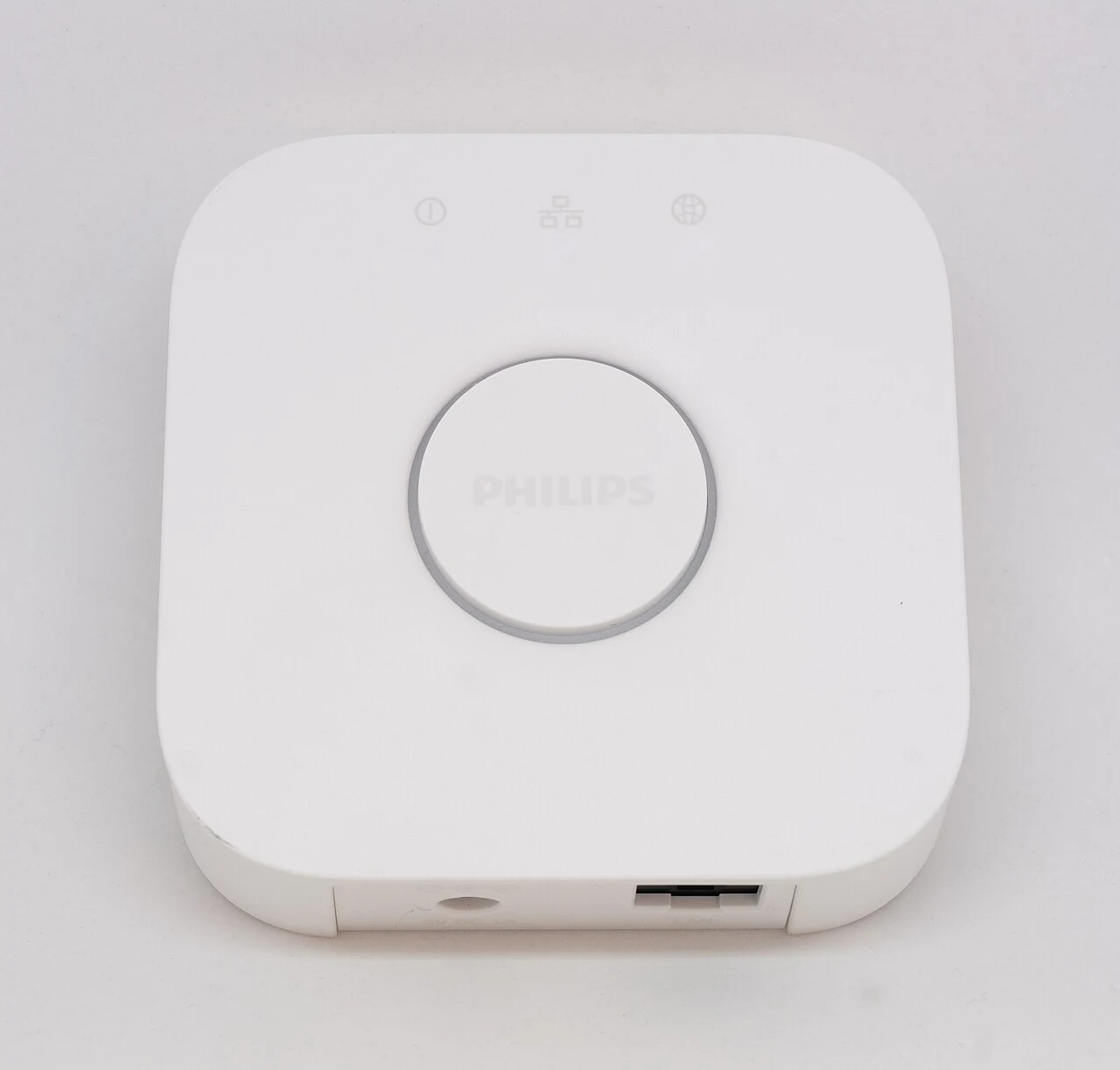
This article covers the familiar square standard Bridge, with a Hue White bulb shown as a system example. It does not review the Bridge Pro. Bulbs, switches and starter kits vary, so the product name on the checkout page needs to match the system you intend to build.
The standard Bridge in context
Philips Hue states that the standard Bridge supports up to 50 lights and 12 accessories. It connects to power and a router, while compatible lighting uses a Zigbee network. The company's newer Bridge Pro has different capacity, so its figures should not be applied to this model. We have not independently tested response times or the practical range in a home.
A supported-device count is not a promise that every room in every building will behave identically. Layout, placement and the devices involved deserve attention. For a modest installation, a room-by-room plan makes it easier to understand both the initial cost and what a later expansion would require.
A closer look
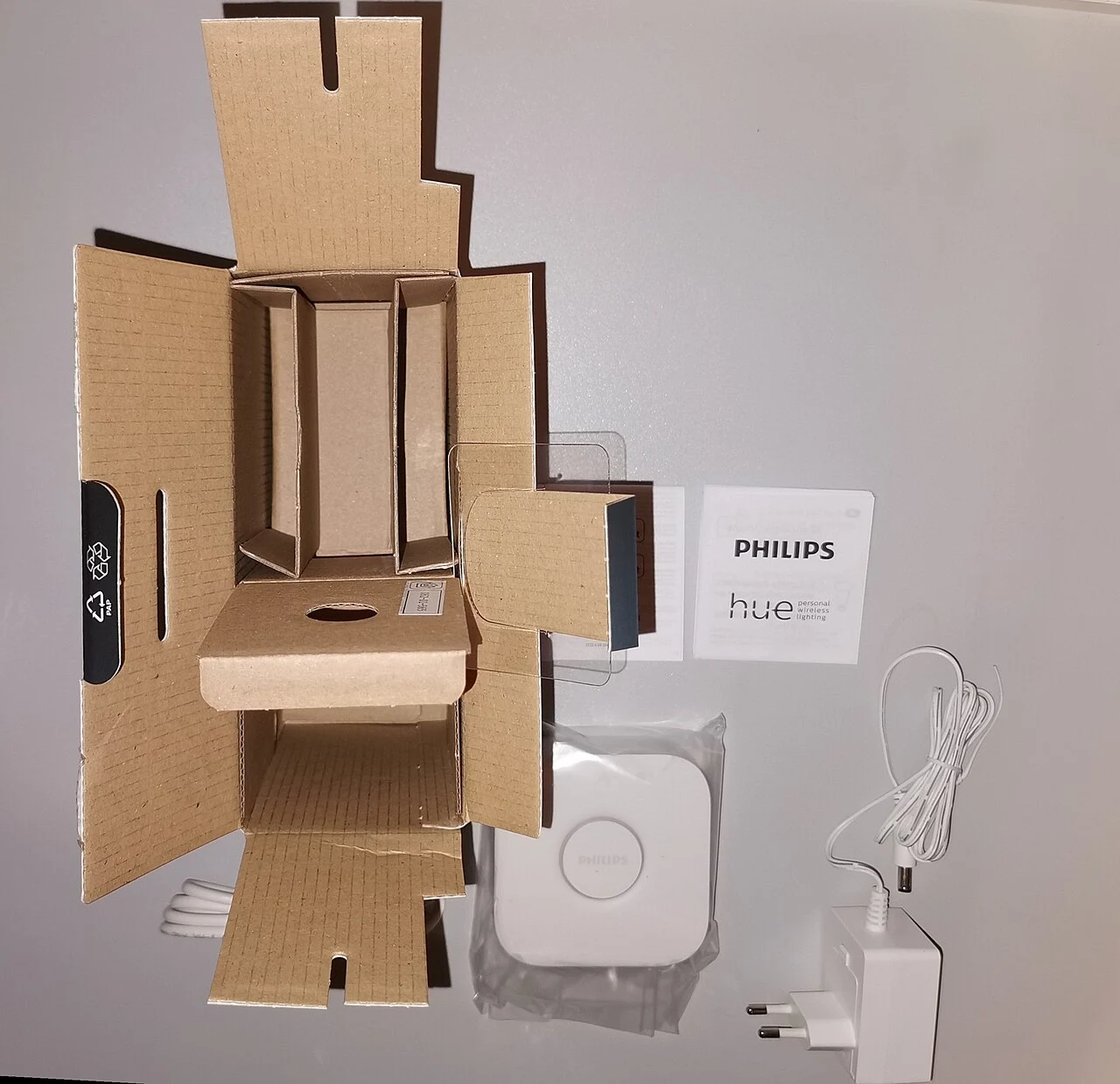
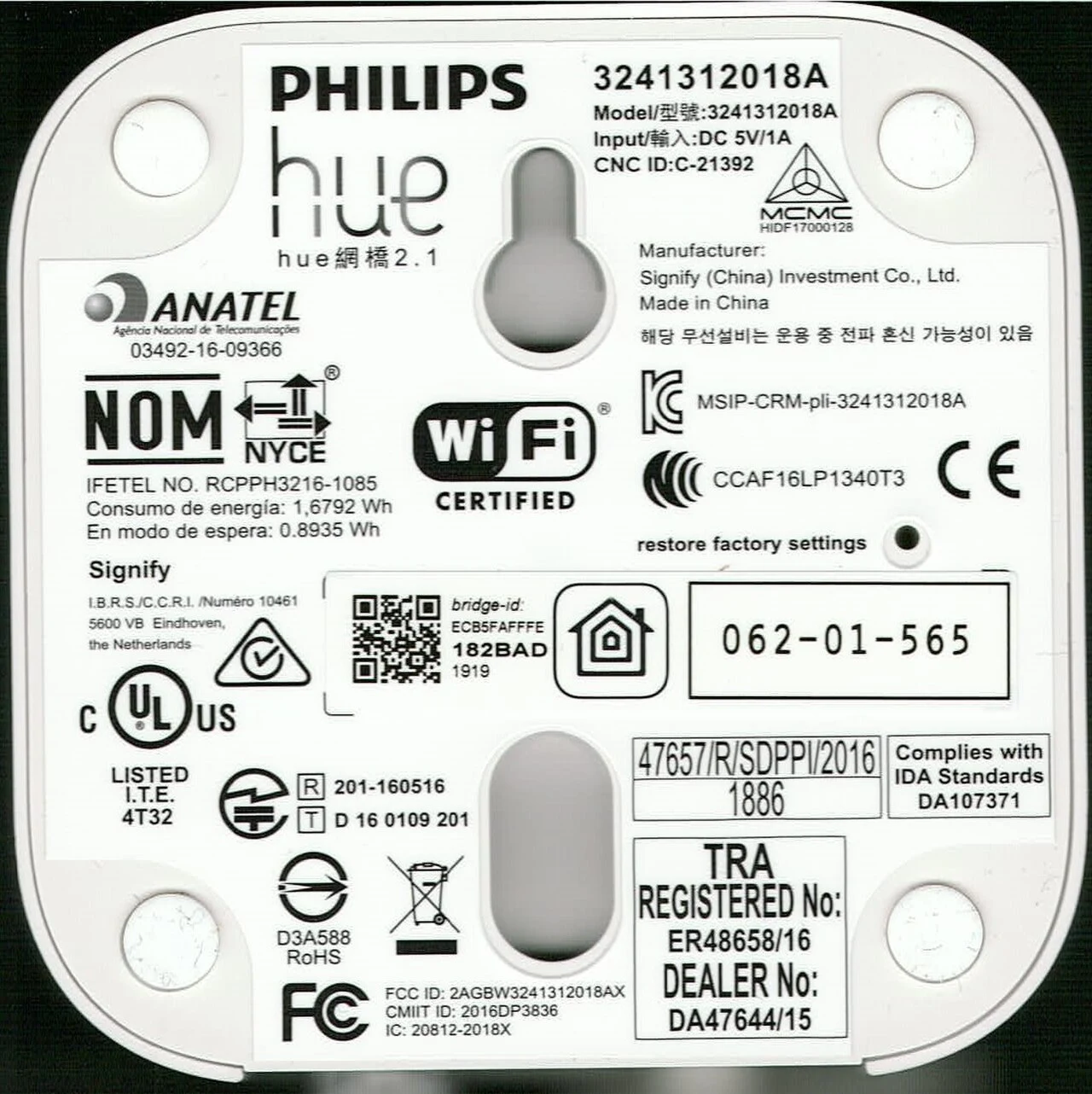
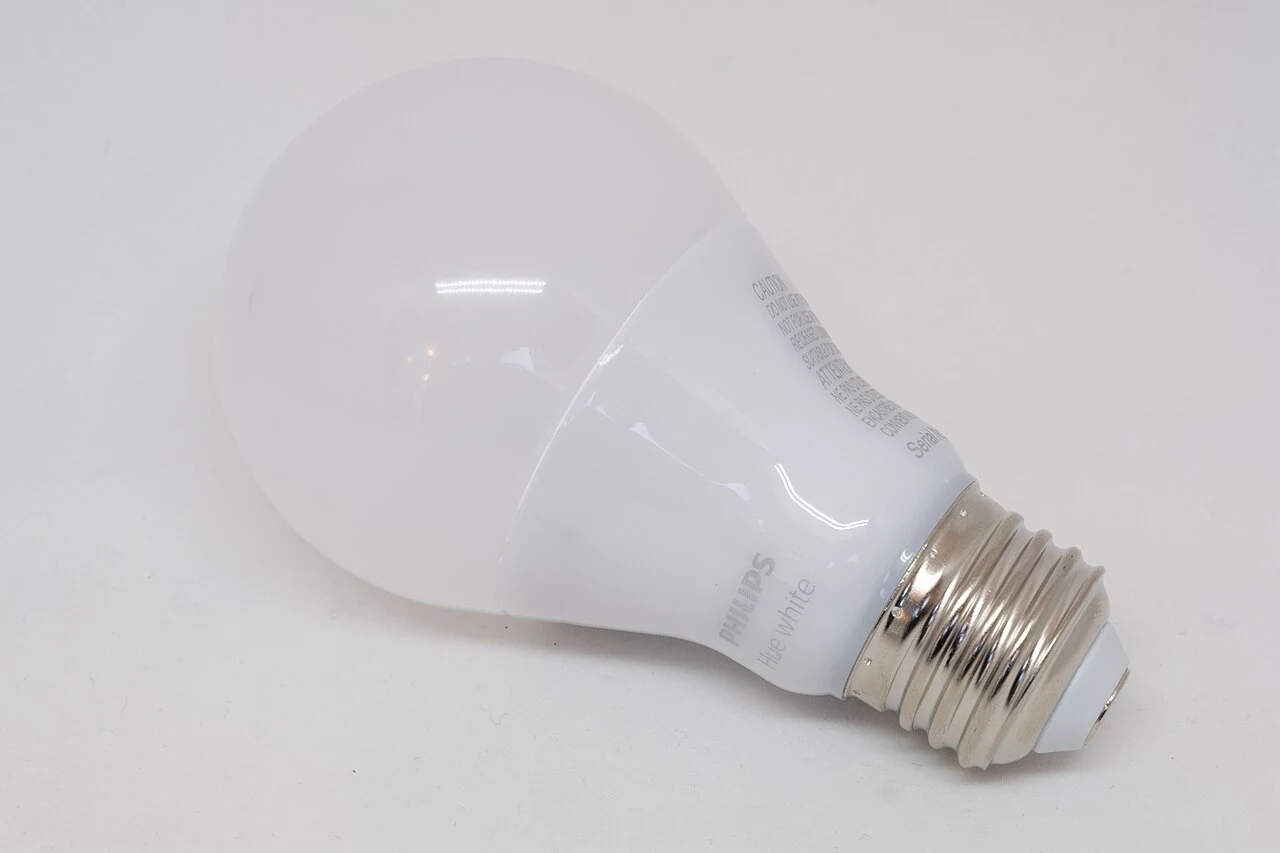
Select a photograph to open the full image. Different finishes or accessories may be pictured; captions identify the views.
Build a usable room, not just an impressive scene
Think about how a visitor will turn a light on without using your phone. Decide where physical controls should be and make sure other members of the household understand the routine. Automation that only its creator can manage is a weak upgrade, even if the scenes look appealing in an app.
Also distinguish white-light needs from color effects. A reading lamp and a decorative accent light have different jobs. Choose the correct bulb fitting and check brightness, color capability and compatibility for each individual product. A photograph of one Hue bulb does not establish what every bulb in the range can do.
Account for the whole system
The Bridge is one line item. Bulbs, switches, sensors and optional integrations can make the complete system much more expensive than the hub alone suggests. Before purchasing a bundle, compare its contents against the exact room plan. Extra bulbs are not a saving if they end up in a drawer.
Our recommendation is to begin with one useful lighting routine and expand only after it works for everyone who uses the space. Buyers who want to control a single lamp should compare simpler options before committing to a hub-based system. The Bridge makes the strongest case when coordination across several lights is a real requirement, rather than an imagined future project.
Pros and cons
What works
- Central control for a compatible lighting system
- Published capacity suits many modest installations
- Physical accessories can complement app control
What to weigh up
- Lights and accessories add to the hub price
- Requires space, power and a router connection
- Standard Bridge limits differ from Bridge Pro
Who should buy it?
Consider the standard Bridge when you have a clear plan for several compatible Hue lights and controls. Compare simpler alternatives for one lamp, and compare Bridge Pro separately for a larger installation.
The conclusion
A practical foundation for a deliberately planned Hue lighting system. Buying a hub before deciding which lights and controls you need reverses the sensible order.
Check the exact model, total cost, condition and return terms before committing. A product is good value only when it is right for your needs.
Sources & editorial notes
Manufacturer facts and editorial judgments are separated throughout. Sources checked October 5, 2026; availability and features can change.
- Philips Hue: standard Bridge product information
- Philips Hue: Bridge and Bridge Pro capacity explained
No paid placements or affiliate tracking links appear in this article. Read our Affiliate Disclosure. Found an error? Send a correction.
Photography & reuse
Real product photographs supplied under the licenses below. Images have been resized proportionally and converted to WebP, without cropping. The original licenses continue to apply to these versions.
- Philips Hue Bridge - June 2018 (1986).jpg — Gregory Varnum. CC BY-SA 4.0.
- Philips Hue Bridge (original containers) 2021.jpg — User:Mateus2019. CC BY-SA 4.0.
- Philips Hue Bridge — bottom — 2021.jpg — Philips (label); scan by Wikimedia Commons user Mattes. Public domain (PD-ineligible label scan).
- Philips Hue white bulb - June 2018 (1944).jpg — Gregory Varnum. CC BY-SA 4.0.
.jpg)
_2021.jpg)

.jpg)